Let’s be honest: most qr code code scanner are boring. You scan a QR scanner code, it opens a website, and… that’s it. scan once, get a result…
No saved data.
No tracking.
No real use for business.
If you run a small business, manage inventory, or even just want to stay organized, you’ve probably realized:
👉 A simple scan with QR code app just isn’t enough anymore.
If you are need apps to scan with qr code, you’ve likely realized that standard apps don’t let you keep the data that actually matters—like price, stock levels, or item condition.
Why a Basic QR Code Scanner Isn’t Enough Anymore
A traditional scan QR scanner only reads data—it doesn’t help you use it.
But in real-world scenarios, you don’t just need a code. You need context:
- What is this item?
- Where is it stored?
- How many are left?
- When was it last updated?
Without that, scanning is just a dead-end action.
That’s exactly where most qr code code scanner apps fail.
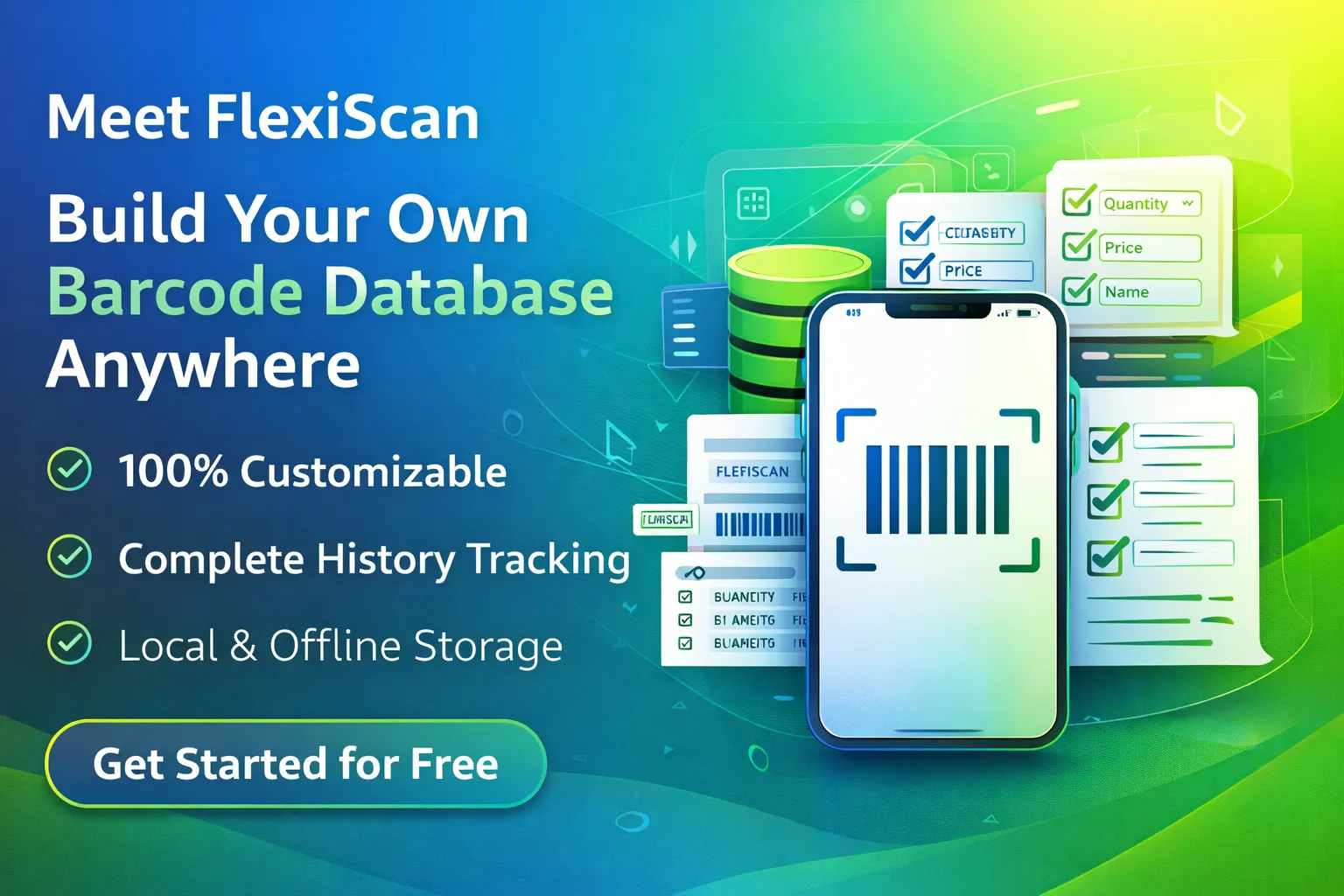
Meet FlexiScan: More Than Just a QR Code Scanner
FlexiScan is built differently.
Instead of acting like a simple scan qr code scanner, it transforms your phone into a portable database system.
What Makes FlexiScan Different?
- 100% Customizable Data Fields: Create exactly what you need
- Location
- Price
- Expiry date
- Stock quantity
- Owner / Department
- No limits. No rigid system.
- Privacy-First (No Cloud): In regions like the US, UK, Canada, and Australia, privacy matters. FlexiScan keeps your data:
- 100% local
- 100% private
- 100% under your control
- No accounts. No servers. No risks.
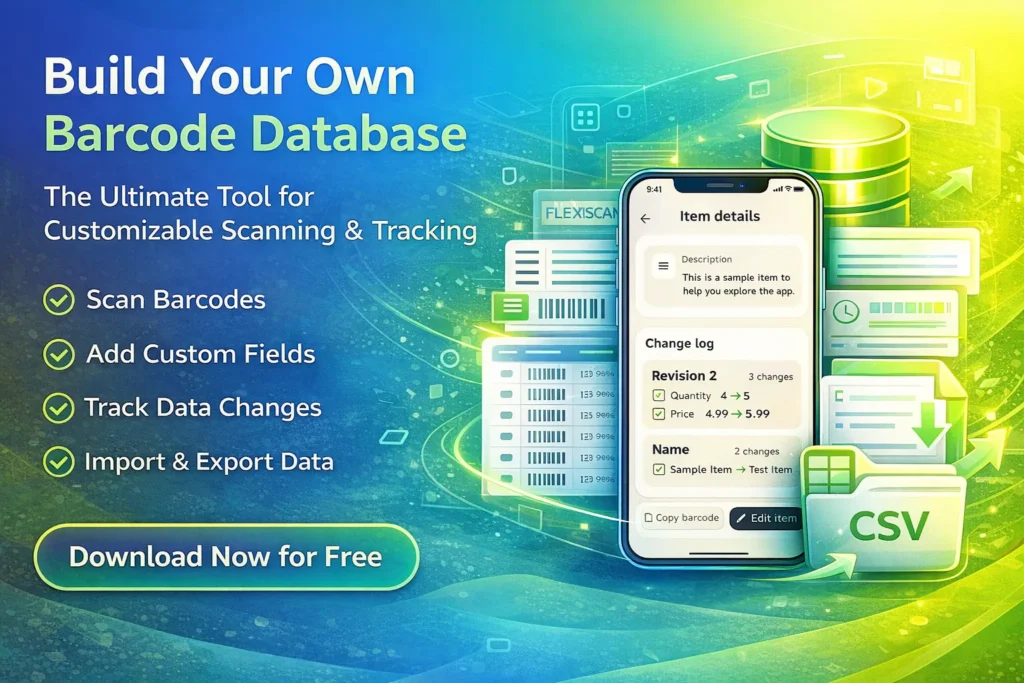
- Full History Tracking: Never wonder when an item was last updated. Our comprehensive history tracking keeps you in control. You always know:
- Who updated data
- When it changed
- What was modified
- Perfect for audits, tracking, and accountability.
- Zero Subscriptions: Professional features shouldn’t come with a monthly bill.
How to Use a Scan QR Code Scanner Efficiently (3 Steps)
Using FlexiScan is simple—even if you’re not tech-savvy:
1. Define Your Fields
Set up your structure once.
Example:
- Warehouse → “Bin Location”
- Office → “Assigned To”
- Retail → “Price + Stock”
2. Scan with QR Code
Use the fast scan qr scanner engine to capture data instantly.
No lag. No friction.
3. Save & Export
All data is stored locally and ready anytime.
Export when needed—no complicated setup.
Pro Tip for Online Sellers (eBay, Etsy, Amazon)
If you sell online, this is where FlexiScan becomes powerful:
👉 Track Cost of Goods Sold (COGS) directly when you scan.
Instead of:
- Guessing costs later
- Digging through receipts
You already have clean, structured data.
Result?
✔ Faster bookkeeping
✔ Better profit tracking
✔ Less stress
Who Should Use a Scan QR Scanner Like This?
FlexiScan is perfect for:
- Small business owners
- Warehouse teams
- Retail stores
- Online sellers
- Field technicians
- Organized individuals
If you rely on data—you’ll feel the difference immediately.
The Verdict: The Best Scan QR Code Scanner for Real Work
Most apps stop at scanning.
FlexiScan goes further.
It helps you:
- Build your own system
- Track real data
- Stay in control
All from your phone.
🚀 Ready to Scan Smarter?
Stop using basic apps that do nothing after scanning.
Upgrade to a scan with QR code experience that actually works for you.
👉 Download FlexiScan now
✔ Free to use
✔ No subscriptions
✔ No cloud dependency
✔ Built for real workflows
Link to other article